วิธีติดตั้งระบบปฎิบัติการ CentOS 6 บน VM Ware
วิธีติดตั้งระบบปฎิบัติการ CentOS 6 บน VM Ware
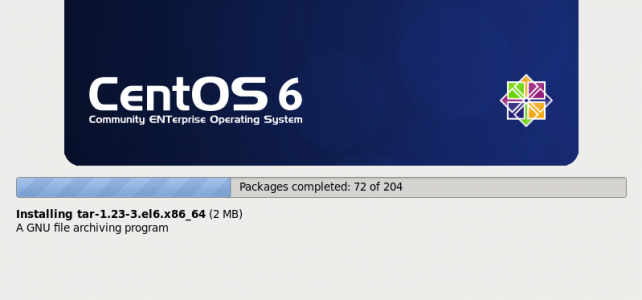
วิธีติดตั้งระบบปฎิบัติการ CentOS 6 บน VM Ware

[gaarai@server ~]$ sudo mv /etc/localtime /etc/localtime.bak [gaarai@server ~]$ sudo ln -s /usr/share/zoneinfo/Asia/Bangkok /etc/localtime
![[Fedora, CentOS and EZCacti] how to fix error message “/dev/mapper/volgroup-lv_root unexpected inconsistency”](https://noc.rmutp.ac.th/wp-content/uploads/2015/01/fedora_icon.png "[Fedora, CentOS and EZCacti] how to fix error message “/dev/mapper/volgroup-lv_root unexpected inconsistency”")
systemd-fsck[605]: /dev/sda2: UNEXPECTED INCONSISTENCY; RUN fsck MANUALLY. systemd-fsck[605]: (i.e., without -a or -p options) [ 13.652068] systemd-fsck[605]: fsck failed with error code 4. Welcome to emergency mode. Use “systemctl default” or ^D to activate default mode. Give root password for